General settings for timezone, date format, address and contact info
Set your timezone and date format, correct your address, and choose the fallback contact details guests see.
Updated 20 October 2026Managers and owners only
Open Settings > General. It has four cards. Your changes apply when you press Save changes in the bar at the bottom. The bar appears as soon as something is edited, and shows "Saved. Guests will see the new details straight away."
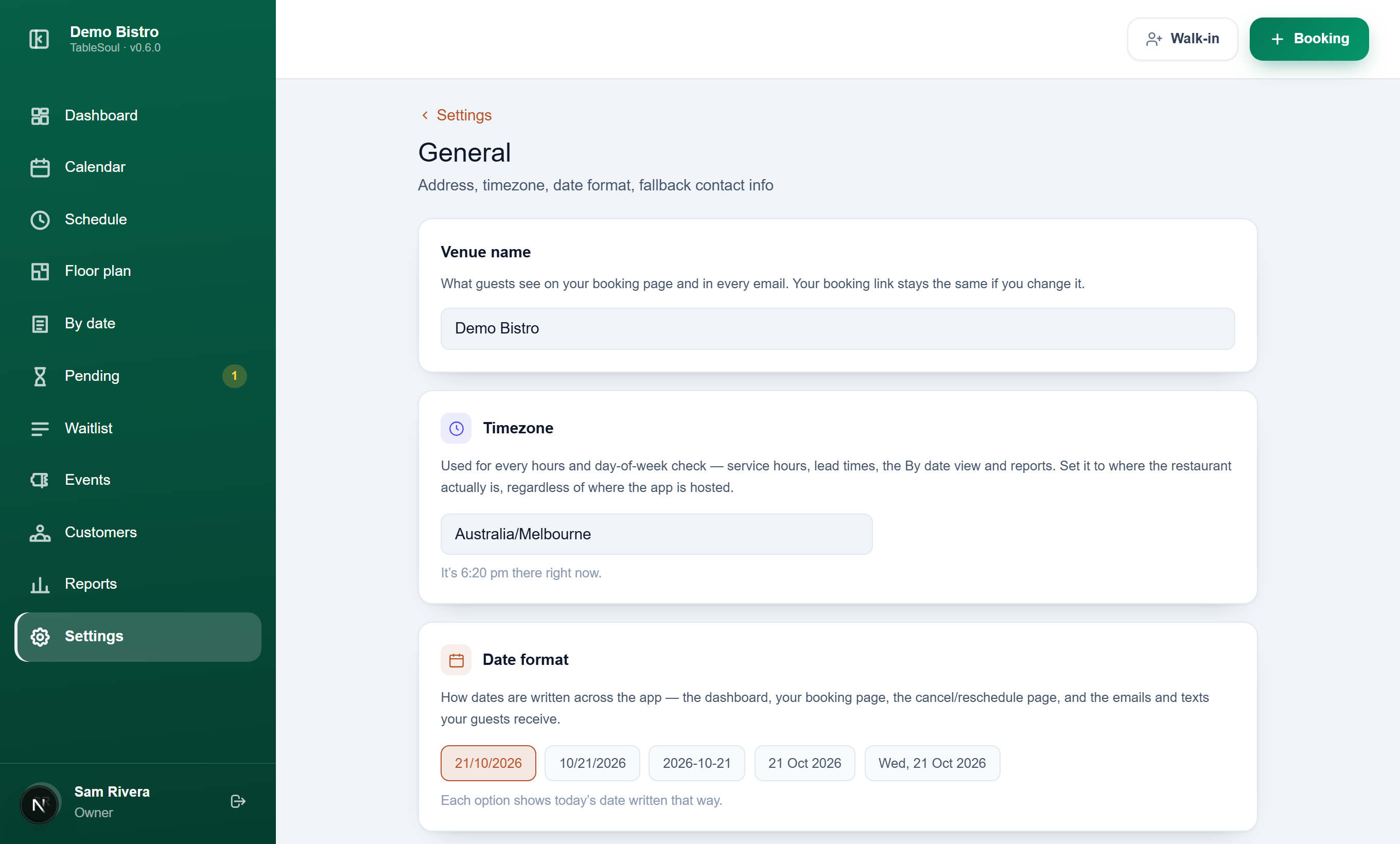 The General settings page
Note: Your venue's name isn't edited here. Contact TableSoul if it needs to change.
Timezone
Set this to where the venue actually is, whatever country the app runs from. It's used for every hours and day check: service hours, minimum notice, the By date page and reports. Type or pick a name like Australia/Melbourne. A live "local time" hint shows underneath so you can check it.
A wrong timezone is a common cause of times appearing an hour or more out. See Why a guest can't see a time.
Date format
Choose how dates are written across the app: the dashboard, your booking page, the cancel and reschedule page, and the emails and texts guests receive. Each choice shows today's date in that format. The whole dashboard switches as soon as you save.
Address
Street address, an optional apartment or suite, city, state, postcode and country. All are optional. Guest emails can show your address in the footer. See Customise your guest emails.
Fallback contact info
These details are shown to guests when online booking can't help them: fully booked, or a request outside your rules.
- Phone and Email.
- Show our phone number to guests after they book (on by default). It appears on the confirmation screen ("Need to change something? Call...") and on the manage-your-booking page and emails.
- Preferred contact method: No preference, Phone or Email. This only controls which appears first. Fill in both to show both.
Tip: Fill in a phone number here. Guests with large parties and guests who run out of time use it to reach you instead of giving up.
Leaving a settings page
If you press Back with changes not saved, you're asked Leave without saving? with Leave anyway or Keep editing.
Did this answer your question?