Details you can insert into emails
Every placeholder like {guest} or {date}, what it becomes, and which emails allow it.
Updated 20 October 2026Managers and owners only
When you edit an email in Settings > Emails, clicking a detail chip inserts a placeholder in curly braces, such as {guest}. When the email is sent, TableSoul swaps it for the real value for that guest. See Customise your guest emails.
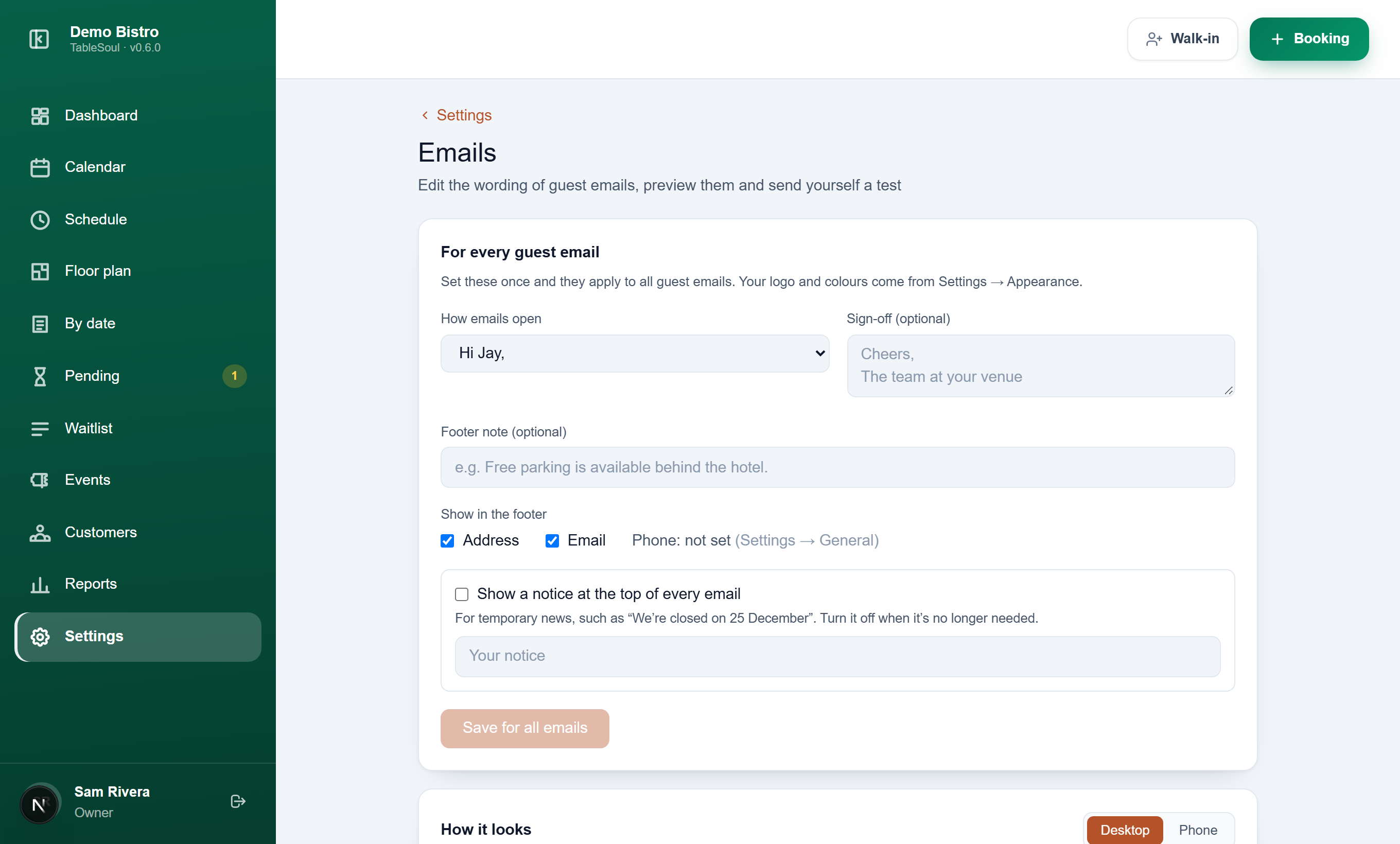 Email settings
Each email only allows the details that make sense for it. If you use one that isn't allowed, you'll see a red error and the wording can't be saved.
Details and what they become
| Detail | Becomes | Example |
|---|---|---|
{guest} | The guest's first name | Jay |
{venue} | Your venue's name | Demo Bistro |
{date} | The date and time, in your date format | Thu 22/10/2026, 11:00 am |
{party} | The party size (table bookings) | 2 guests |
{service} | The service name | Dinner |
{moved_from} | Where a moved booking came from | from Mon 19/10/2026, 6:30 pm |
{event} | The event's title | Christmas Lunch |
{places} | The number of places | 4 places |
{area} | The seating area | Bistro |
{deposit} | The deposit amount | $140.00 |
{still_needed} | The deposit still to pay | $70.00 |
{until} | A deadline, such as when a hold ends | Fri 23/10/2026, 11:00 am |
{amount} | An amount to pay (a share) | $70.00 |
{payer} / {payer_name} | Who paid / who is being asked | Sam |
{owner} | Who made the booking | Jay Singh |
{reason} | The reason given for a cancellation | |
{offer_days} | How long offered places are held | 2 days |
{for_places} | The places a share covers | for 2 places |
{payment_note} | A ready-made deposit or balance sentence | Your deposit is in. The balance can be paid on the day or before. |
{refund_note} | A ready-made sentence about refunds | You paid $140.00; we'll be in touch about any refund. |
{deposit_note} | A sentence about arranging the deposit | (and arrange your deposit with us) |
{owing_note} | What is still owing | Still to pay: $210.00. |
{changes} | The list of changes in a "booking changed" email | Places: 4 to 3 |
Tips
- Keep the details you didn't write yourself. Sentences like
{payment_note}and{refund_note}change depending on what has been paid, so deleting them can leave a guest without important information. - Put
{guest}in the message, not the greeting. The greeting (Hi, Hello...) and your sign-off are added for you. - Use two asterisks to make words bold:
**{event}**. - Use Send me a test after any change: it fills the details with sample values so you can check the result.
The details card, the button link and the amounts in the table are always filled in by TableSoul. You can't break them by editing words.
Did this answer your question?