A friend drops out of a group booking
Release their places, refund them and tell the booker, all in one step.
Updated 20 October 2026Managers and owners onlyDepends on your plan
When one person in a group can't come, you don't cancel the whole booking. You release just their places.
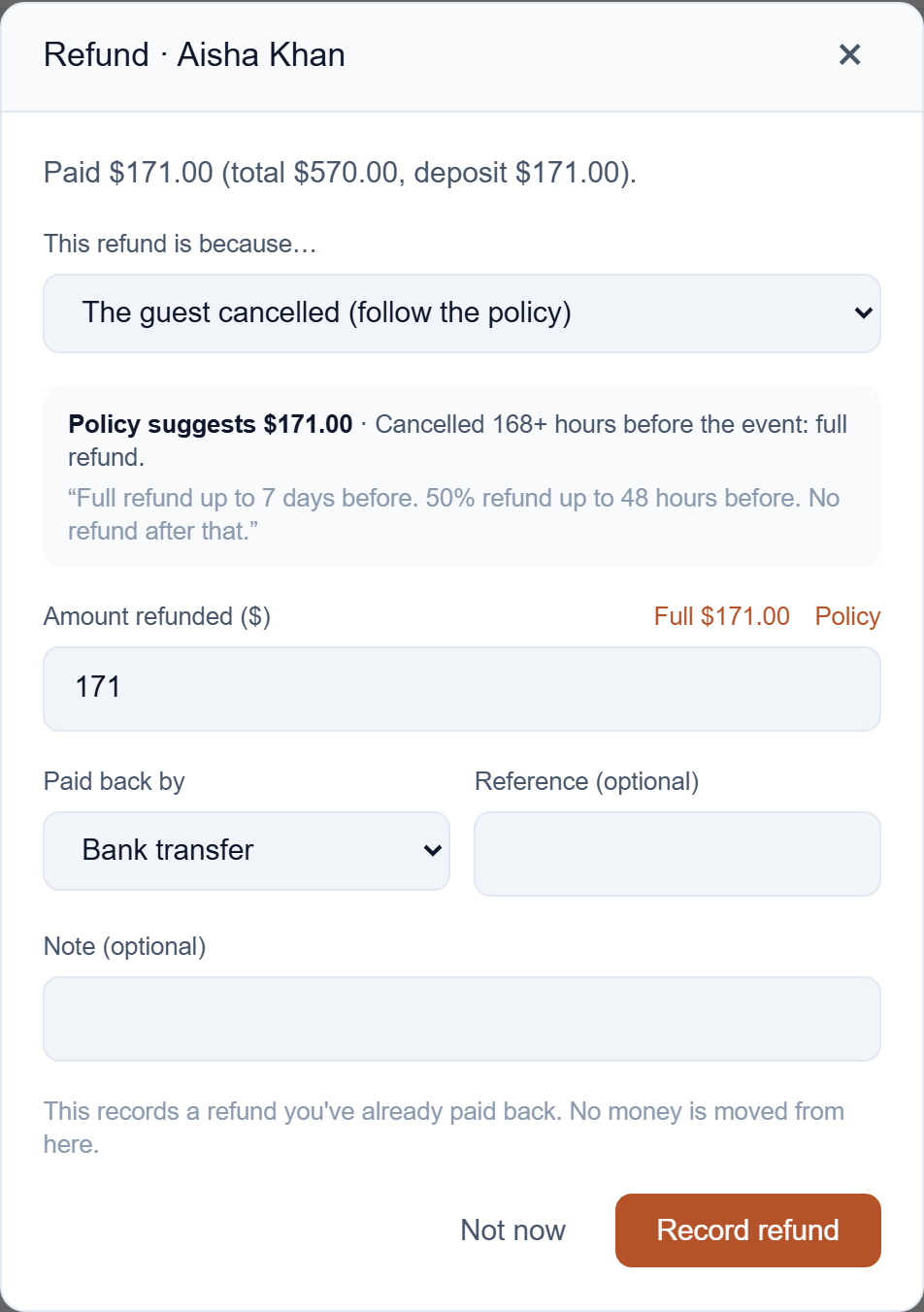 The Refund window
If they paid their own share by card
- Open the event and find the booker's card.
- Press Payments & refunds, then Refund… (or Refund on that person's payment).
- Under Refund to, choose the friend who is dropping out. It shows how many places they paid for.
- Choose why: The guest cancelled (follow the policy) or The venue cancelled (full refund).
- Check the amount. It follows your cancellation policy unless you change it.
- Tick Also release their places.
- Press Refund to card.
The money goes back to that friend's own card. The booking drops to the smaller number of places, the total comes down, the places go back on sale, and the booker is emailed. If there's a waitlist, those places can be offered.
If they paid cash or by transfer
Do the same, but choose Paid back by: Bank transfer (or Cash) and press Record refund after you've repaid them.
If they haven't paid yet
Open Edit booking (click the card), reduce Places, and tick Email the guest about this change. The total is recalculated. See Edit an event booking and tell the guest.
Good to know
- You can't release every place this way. To remove the whole booking, use Cancel.
- A group's other members keep their places and their payments.
- See also Split payments for groups and Refund an event booking.
Did this answer your question?