Put the booking form on your website
Add the TableSoul booking form or events list to WordPress, Wix, Squarespace or plain HTML, and fix common problems.
Updated 20 October 2026Managers and owners only
Get the snippet
 The embed snippets
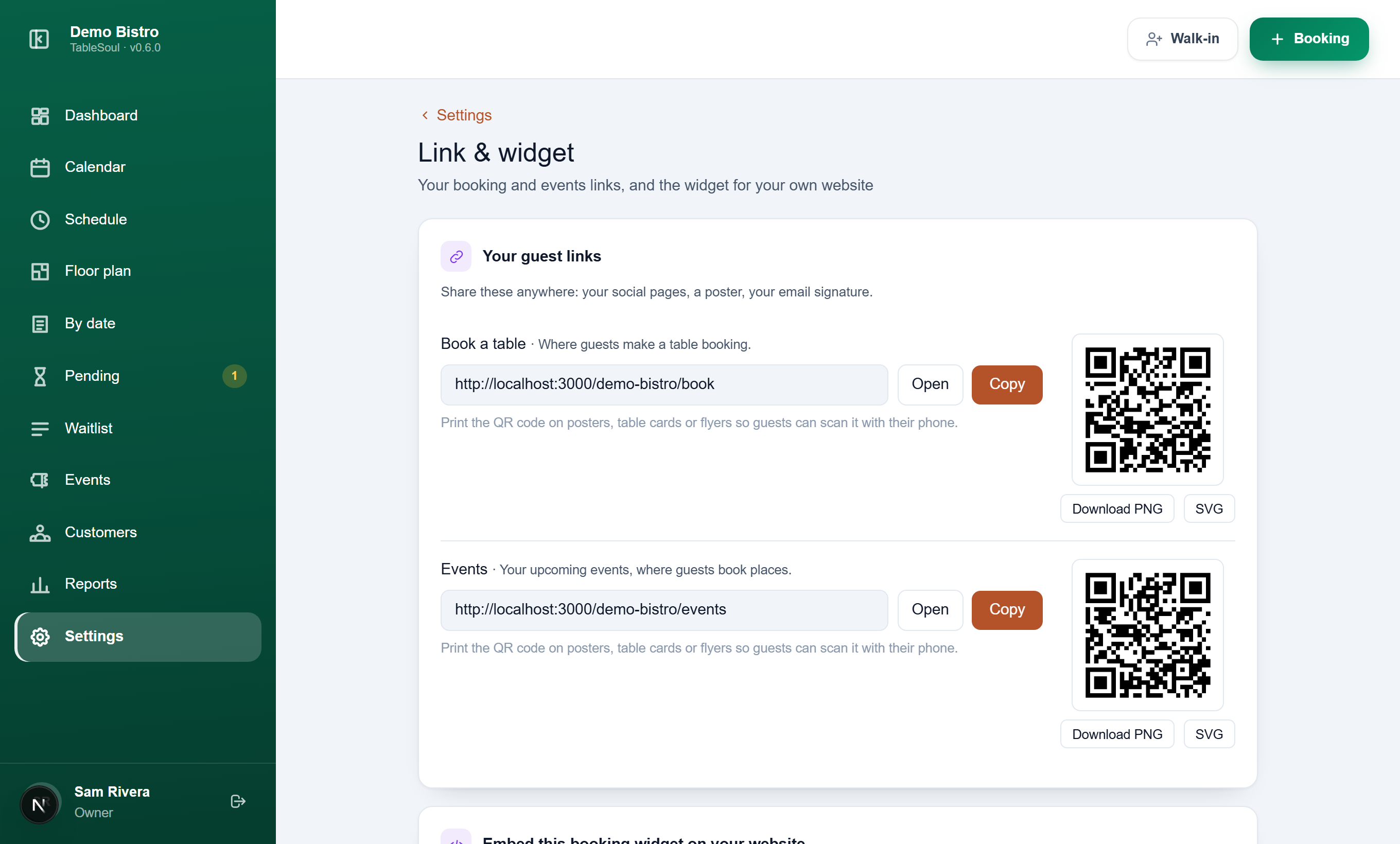
Open Settings > Link & widget. Under Embed this booking widget on your website, press Copy snippet. For events, press Copy events snippet in Show your events on your website.
Paste it
Paste the snippet into your site's HTML wherever the form should appear:
| Platform | Where |
|---|---|
| WordPress | Add a Custom HTML block to the page. |
| Wix | Add an Embed code (HTML) element. |
| Squarespace | Add a Code block. |
| Plain HTML | Paste it into the page body. |
The form fills the width of its space and resizes itself to fit.
If nothing appears
- The
data-restaurant-slugwas changed. It must be exactly as copied, or nothing renders. - The script line is missing. Both lines are needed: the
<div ...>and the<script src=".../embed.js"></script>. - Your editor stripped the code. Some editors remove scripts from ordinary text blocks. Use a dedicated HTML or code block.
- Check on a published page. Some builders only run embedded code on the live site, not in the editor preview.
Events on your site
The events snippet shows a list. When a guest picks an event, the booking page opens in a new tab, because card payments can't run inside another site's page.
Or just link to it
You don't have to embed anything. A button saying "Book a table" that links to your booking page works well and is simpler. Copy the link from Your guest links.
Did this answer your question?