Change your hours for summer or a holiday period
Use a date range with different opening hours instead of editing your weekly hours twice a year.
Updated 20 October 2026Managers and owners only
Special dates replace your weekly hours for the dates they cover, so you can leave your normal week alone.
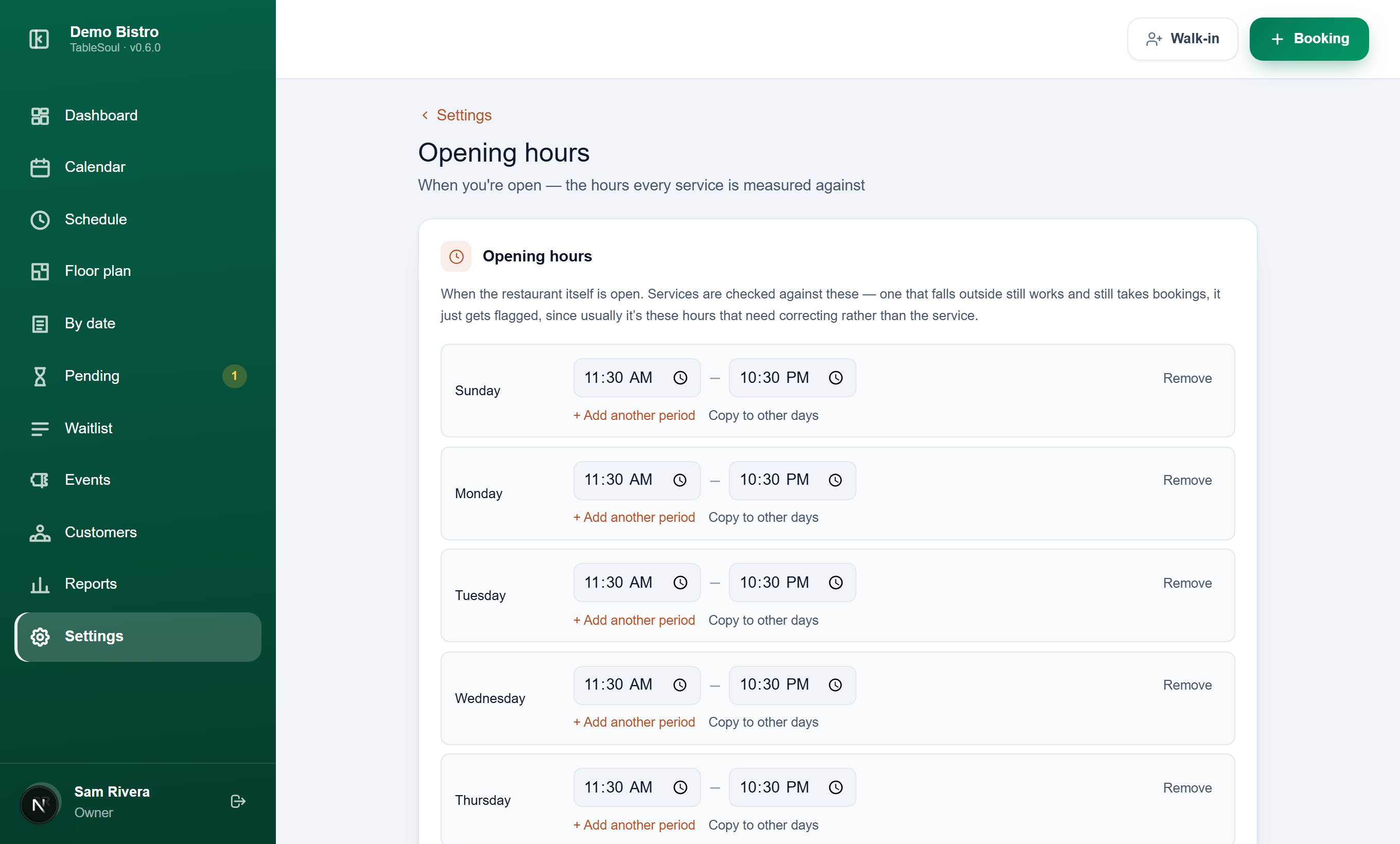 Opening hours and special dates
Extended summer hours
- Open Settings > Opening hours > Special dates and press + Add a special date.
- Name: Summer hours.
- When: choose A range and pick the start and end dates.
- That day you are: choose Open, different hours and enter the opening and closing times.
- Applies to: the whole restaurant, or a single service.
- Press Add it.
For every day in that range, those hours replace your weekly hours. When the range ends, your normal week returns by itself.
Make sure the services line up
Your services have their own open times. Special hours for the venue don't change a service's times by themselves. To open dinner an hour later in summer, add a special date that applies to the Dinner service only, with the new hours. If a service falls outside the venue's open hours it still takes bookings, but gets flagged.
Different hours for part of the range
You can add more than one special date, for example summer hours plus a closure for Christmas Day. If dates overlap, Closed always wins.
Remember
- Special dates are saved when you add them, not with the page's save bar.
- Edit or remove one by clicking it in the list.
- Existing bookings on a closed date aren't cancelled automatically. See Close the venue, or just one service, for a day.
Full details: Set your opening hours and special dates.
Did this answer your question?