Add a new sitting such as brunch or high tea
Create another service with its own days, times and rules, without disturbing the rest.
Updated 20 October 2026Managers and owners only
Say you want to open weekend brunch from 9:00 to 11:30.
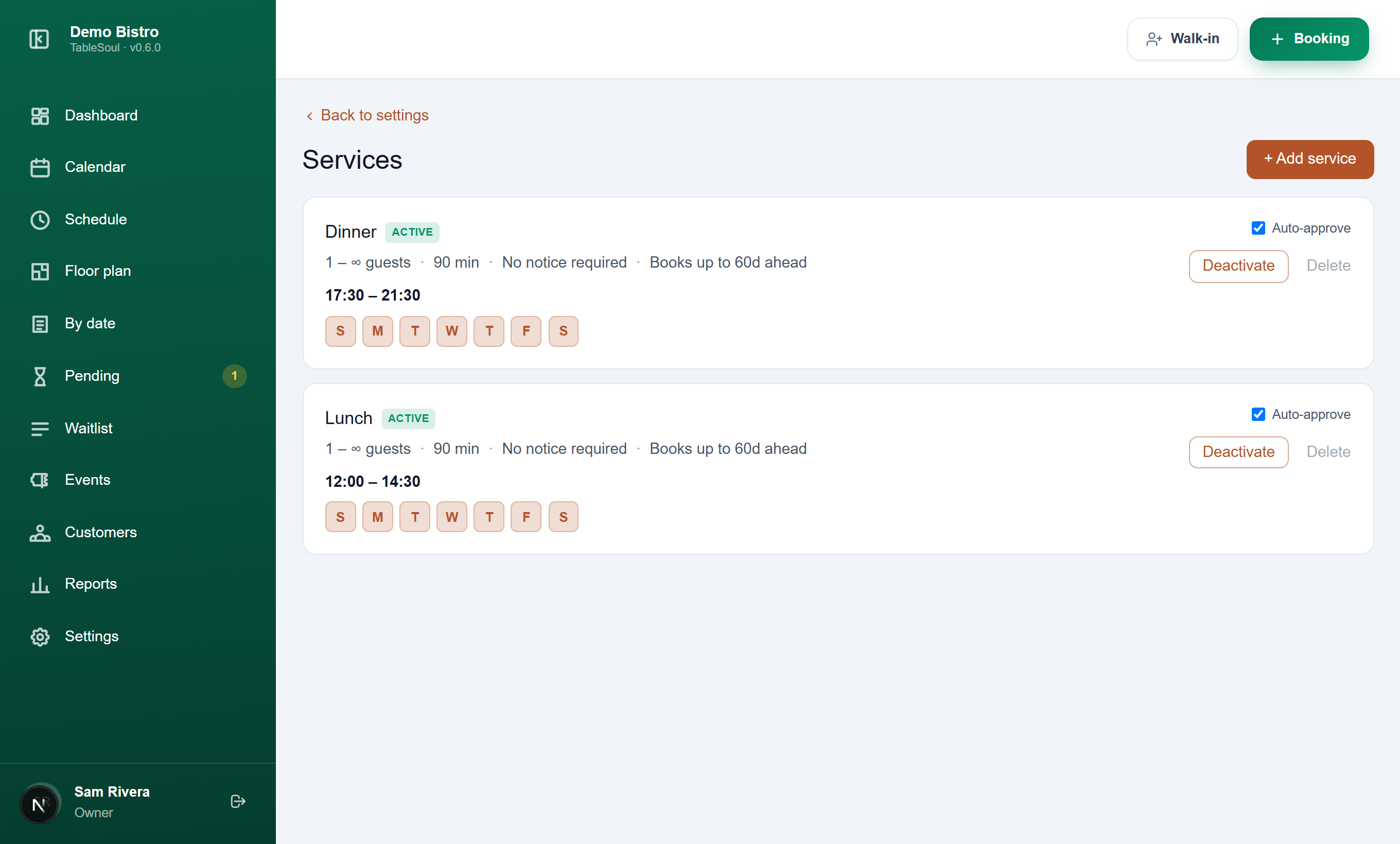 The Services page
- Open Settings > Services and press Add a new service.
- Service name: Brunch.
- Min guests 1, and a sensible Max guests for online (larger parties can call). Duration (minutes): 75, for example.
- Under Open on, tick Sat and Sun only.
- Opens at 09:00 and Last booking time 11:30. The last booking time is the last time a guest can start, not when you close.
- Booking rules: leave Min notice at 0, or set 1 hour to stop last-minute online bookings. Choose Advance window (days) if you want a shorter horizon than the venue default.
- Leave Auto-approve on, unless you want to vet requests.
- Press Add service.
Check it
- Open your booking page and pick a Saturday. Brunch times should appear alongside your other services, merged into one list. Guests never choose a service. See How guests book a table online.
- If it says "Outside your opening hours", your venue's weekly hours don't cover 9:00 on weekends. The service still works, but update the hours to match: Set your opening hours.
Make sure tables aren't double used
Services share the same tables. A booking blocks its table for its duration, so a long brunch can run into the lunch sitting. Choose durations that leave enough turnaround.
Seasonal or one-off changes
To pause a service for a day or a season, use a special date: Close the venue, or just one service, for a day. More about the settings: Set up your services.
Did this answer your question?