Find a guest and their booking history
The quickest way to find a guest, see all their bookings and fix their details.
Updated 20 October 2026
Which search to use
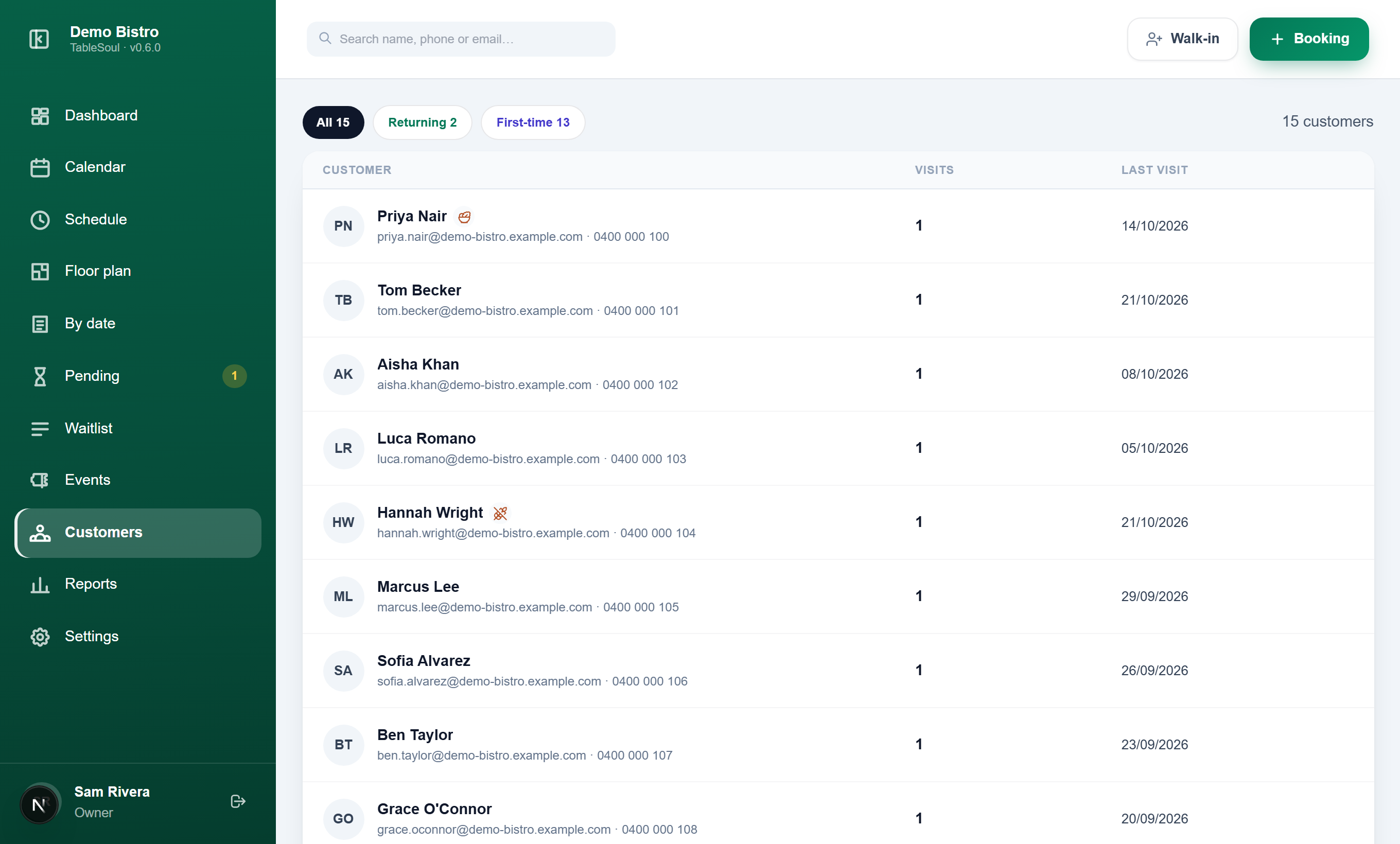 The Customers page
| You want | Search here |
|---|---|
| Someone who booked at any time | Customers (name, phone or email) |
| A booking on a certain day | By date ("Find a guest...") |
| A booking tonight | Dashboard search, or Schedule (name or table) |
| Who is at a table right now | Floor plan ("Find a guest...") |
See everything a guest has done
- Open Customers and search their name, phone number or email. Typing part of a phone number works.
- Click the guest to open their profile.
- Read the tiles (bookings, covers, no-shows, cancellations, last visit), their notes, and the Booking history tabs.
Fix their details
Press the pencil on the profile to change their name, phone or email. It updates all of their bookings. A guest must keep at least a phone or an email. Or change them from a booking's Edit window, which warns you that it affects every booking. See Customers and guest profiles.
Can't find them?
- They may have booked under a different name or number. Try the other.
- The list shows the 50 most recent guests until you search.
- Guests are only visible if they've booked or joined the waitlist at your venue.
- A booking with no phone or email can't be matched, so the same person may appear as several profiles.
When you're about to book them
In + Booking, typing in Name, Phone or Email suggests existing guests. Pick one to fill their details and saved tags. See Take a phone booking.
Did this answer your question?