Take a large group booking
What to do when a party is bigger than your tables or your online limit, using combined tables and extra checks.
Updated 20 October 2026
Why online booking says no
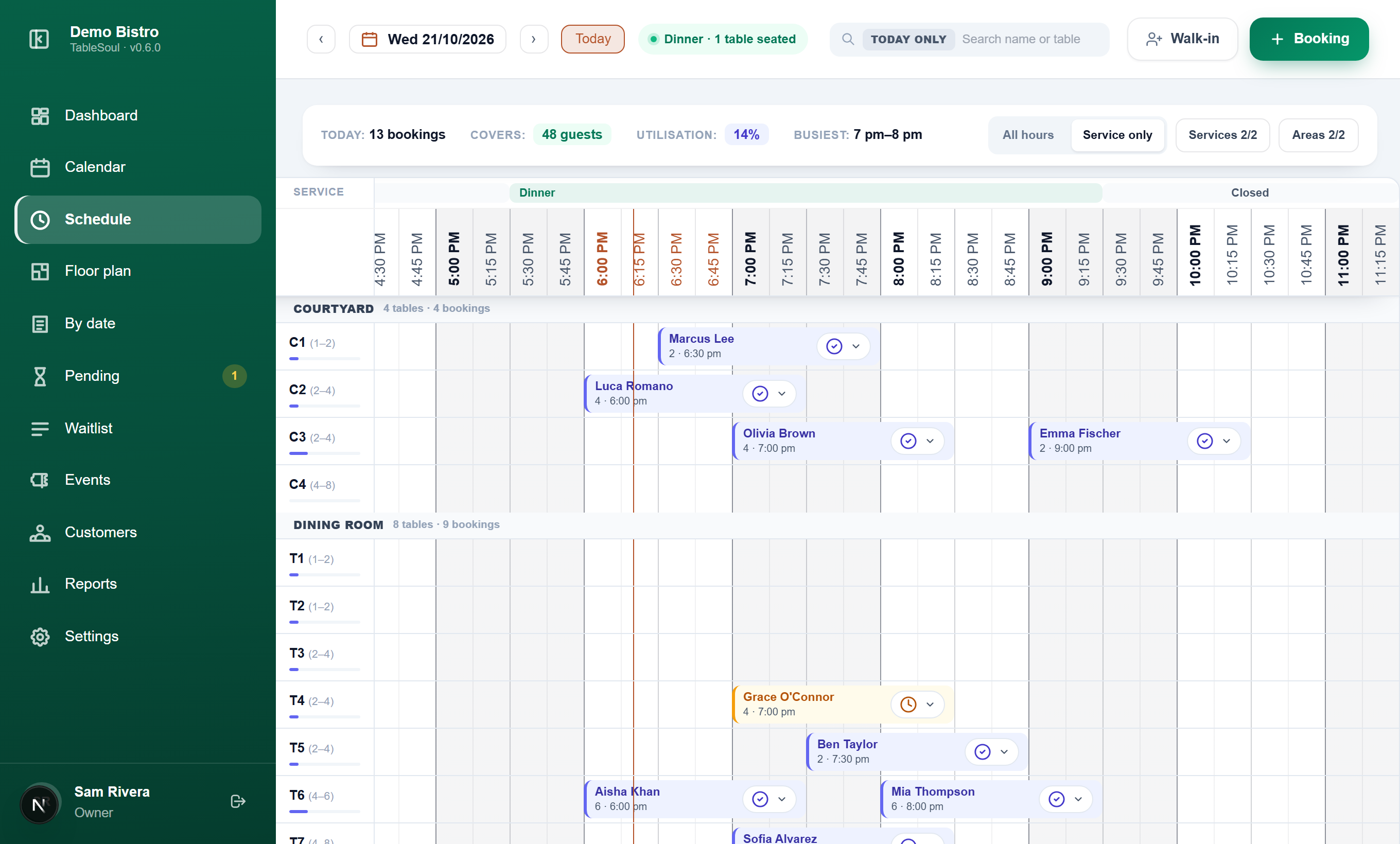 The Schedule, where a large booking shows as a block
Each service has a Max guests limit. A guest over it sees "Online bookings are for parties of up to 8. For 12 guests, call [your phone]". That's deliberate: big groups need a conversation. See Set up your services.
Booking a big group yourself
- Check you have a table big enough. Tables are limited by their Max seats. If not, combine two or more neighbouring tables into one. See Set up areas, tables and floor plans.
- Press + Booking and enter the party size.
- In Table selection, choose the combined table or a large table yourself. Best fit is only a suggestion.
- Add a private note about the arrangement (deposit taken, menu chosen, who's in charge).
- Press Create booking.
If the form won't offer a time, it may be because the party is above the service's limit. Choose a table yourself, or raise Max guests on the service.
Good ideas for big groups
- Ask for a contact phone number and note it.
- Use tags or the message to guest for dietary needs: Note a dietary requirement or allergy.
- Decide whether the group should arrive together, and write the arrival time in the note.
- For a ticketed occasion with deposits and shares, an event may suit better: Create and publish an event.
If they need two tables, not one
Book a second table for the same guest with the Book anyway tick box: Fix a double booking.
Did this answer your question?